How Prompt Director Works
From opening the tool to a prompt ready to paste into your favorite AI generator. Five steps, no need to memorize technical jargon first.

Pick a tier, jump straight in
Try it free with the Free tier first, no sign-up needed, or enter your serial number for full access on Premium. Both drop you straight into the tool itself, not another marketing page.
Free tier is enough to get a feel for the flow. Upgrade to Premium any time once you're comfortable, no progress lost.
Pick a mode for your content
Five modes: General, Character, Environment, Product, and Food. Each ships its own relevant parameter set, so you're never wading through options that don't apply to what you're making.
Quick Start, or fill it in yourself
In a hurry? Pick a Quick Start template and every parameter fills in at once, just tweak whatever you want to change. Want full control? Fill each category (Render, Outfit, Pose, and so on) one pill at a time.
Dira shows a visual preview on every parameter, so you don't need to already know terms like Rembrandt Lighting or Dutch Angle.
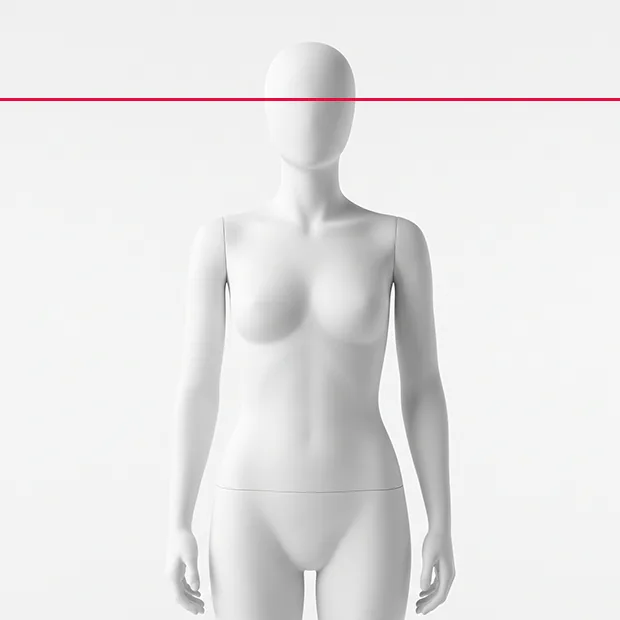 Eye level
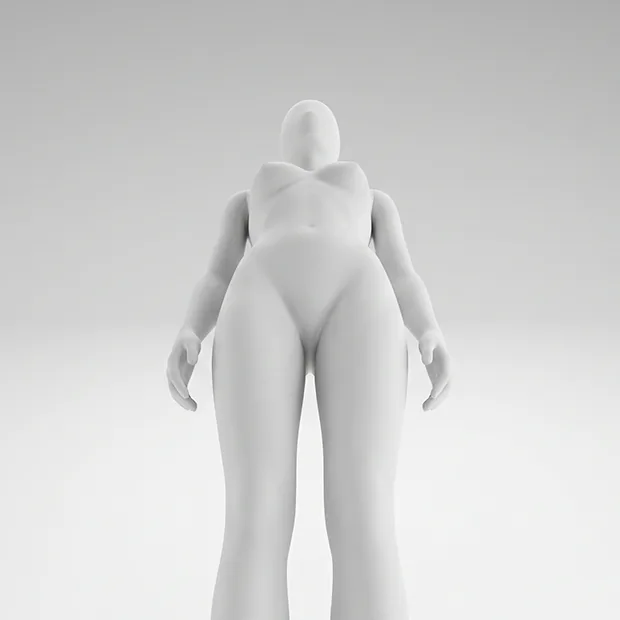 Low angle
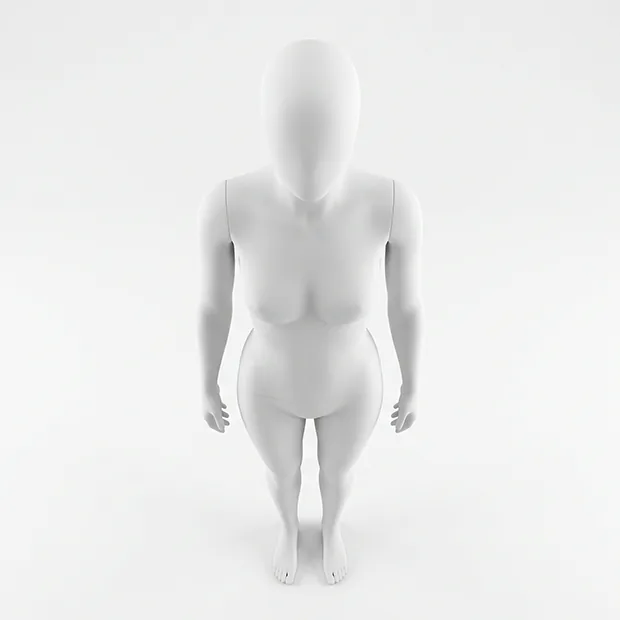 High angle
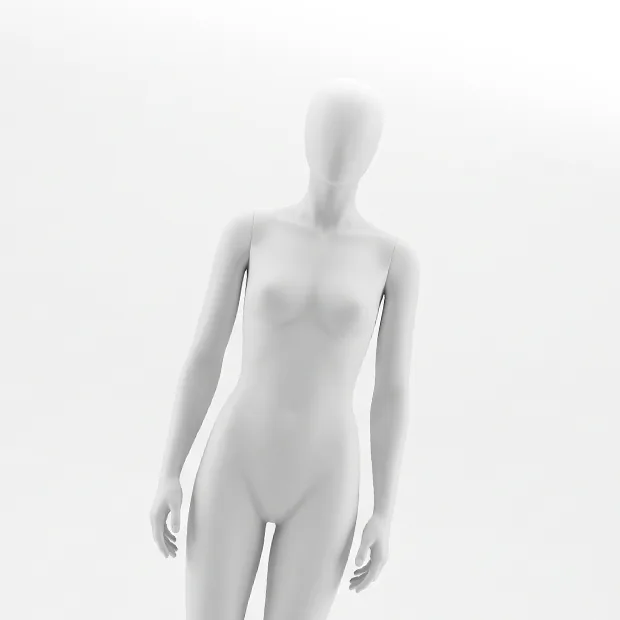 Dutch angle
Click Build Prompt
Every parameter you picked gets woven automatically into one flowing Natural Language paragraph, not just a pile of comma-separated keywords. Need JSON for a specific workflow instead? Switch it right above.
Combine with Node Mode
Need a more complex combination, like Character and Environment merged into one scene? Open Node Mode, wire each node into Setup, and dial in specific detail on each node separately before it all merges into one Output.
Node Mode is optional. If the regular flow already covers what you need, you never have to open it at all.
Copy, paste, generate
Hit Copy Prompt and paste it into any AI generator, Midjourney, Gemini, Flux, Kling, whatever you use. Prompt Director is deliberately platform-agnostic, not locked to any one tool.
On Premium, you can Save Preset or reopen a session from History, no need to rebuild from scratch every time.
Ready to try it yourself?
No credit card needed to start. Jump straight into the Free tier.